How to Create Strong Passwords That Are Impossible to Crack
In today’s digital world, passwords are the key to your personal and professional information. Weak passwords are an open invitation for hackers. To safeguard your online accounts, it’s crucial to create strong passwords that are nearly impossible to crack. This post will show you how to create secure, resilient passwords to protect your digital presence.
1. Characteristics of a Strong Password
A strong password should be:
- Long: Aim for at least 12-16 characters.
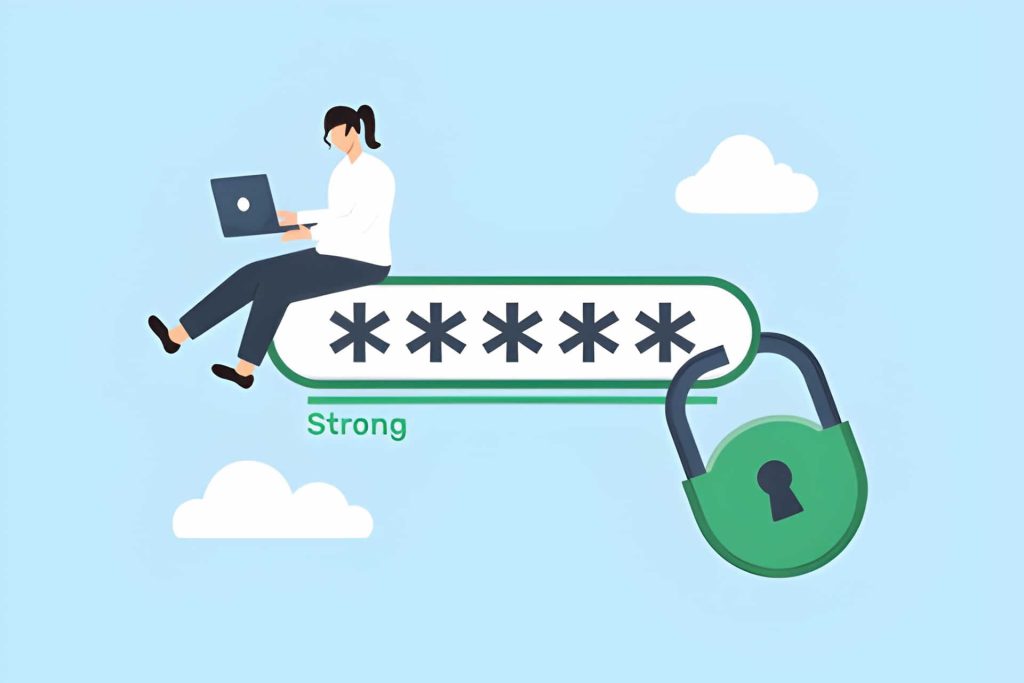
- Complex: Combine uppercase letters, lowercase letters, numbers, and special characters.
- Unpredictable: Avoid using personal information, common words, or simple sequences like “1234”.
2. Tips for Creating Uncrackable Passwords
- Use Passphrases: Instead of a single word, create a random combination of words and characters, like "RedTiger!34Pizza".
- Leverage Password Managers: Use tools to generate and store secure passwords, so you don’t have to remember them.
- Enable Two-Factor Authentication (2FA): Adding 2FA provides an additional layer of security by requiring a second form of identification.
- Avoid Reusing Passwords: Use unique passwords for each account to ensure that a breach of one account doesn’t compromise others.
3. How to Check if Your Password is Compromised
- Password Checking Tools: Use sites like Have I Been Pwned to check if your password has been exposed in data breaches.
- Monitor Account Activity: Keep an eye on your accounts for unusual login attempts or transactions.
4. What to Do if Your Password Is Compromised
If you suspect your password has been compromised:
- Change Your Password Immediately: As soon as you realize your account has been breached, update your password to something secure and unique.
- Notify Your Contacts: If your email or social media accounts have been compromised, let your contacts know so they don’t fall for any fraudulent messages sent from your account.
- Run a Malware Scan: If your device was infected during the breach, run antivirus and anti-malware scans to ensure your device is secure.
- Enable Two-Factor Authentication (2FA): If you haven’t already, enable 2FA to secure your account against future breaches.
5. Regularly Update Your Passwords
Even the strongest passwords can become vulnerable over time. To keep your accounts secure:
- Change Passwords Regularly: Make it a habit to update your passwords every 3–6 months, especially for high-priority accounts like email or banking.
- Avoid Using the Same Password Across Multiple Sites: Each account should have its own unique password to reduce the risk of a domino effect in case one account is breached.
- Use a Password Manager: If you struggle to remember all your passwords, use a password manager to securely store them and generate strong passwords.
Finally, creating a strong password is your first step to online security. By following the guidelines above, you can greatly reduce the risk of unauthorized access to your accounts. Remember, always use unique, complex passwords and enable 2FA wherever possible to keep your digital life safe. If you suspect a breach, act quickly to minimize the damage and protect your digital assets.
- By admin
- No Comments