How to Identify a Secure Website: A Simple Guide for Non-IT Businesses
As a cybersecurity expert, one of the most common questions I get from non-technical business owners is: “How do I know if a website is secure?” The good news is that you don’t need to be an IT professional to spot the basics. A secure website protects your data and your customers’ information from hackers, fraud, and misuse. Understanding a few simple signs can help you make safer decisions online and build trust with your customers.
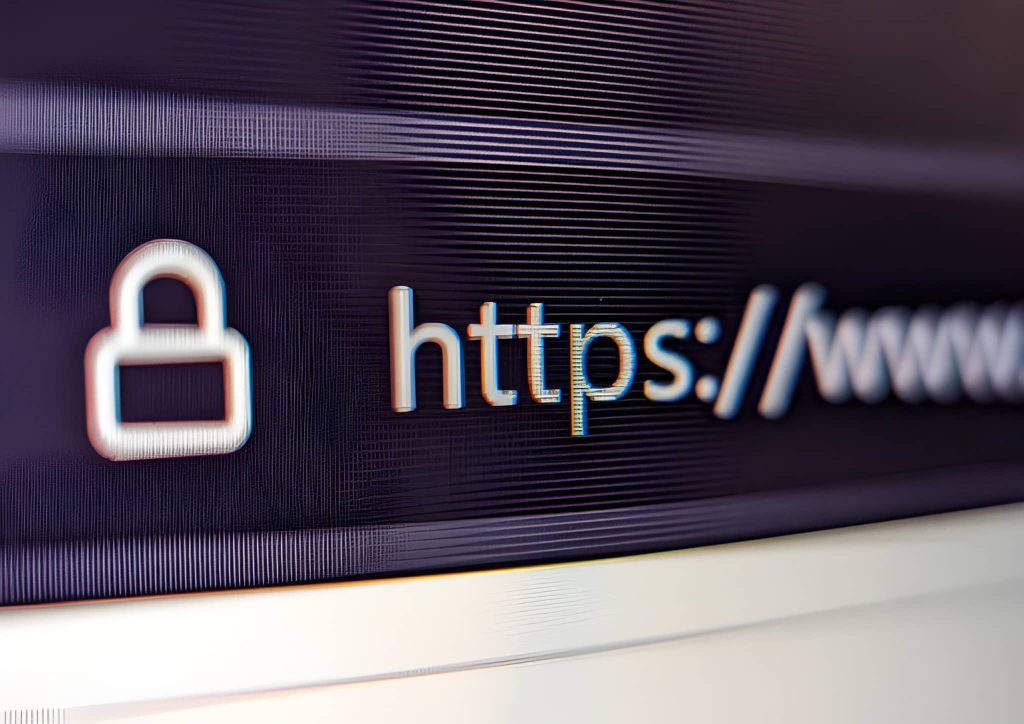
The first thing to check is the website address itself. A secure website will start with https:// instead of http://. That extra “s” stands for secure and means the site uses encryption to protect information like passwords and payment details. You’ll also usually see a small padlock icon next to the website address in your browser. If a site doesn’t have HTTPS or shows a warning like “Not Secure,” it’s best to avoid entering any personal or business information there.
Another important sign of a secure website is how it handles personal information. Legitimate and secure sites clearly explain what they do with your data through a privacy policy or terms and conditions page. This is especially important for businesses that collect customer names, emails, or payment details. If a website asks for sensitive information but provides no explanation or looks vague and unprofessional, that’s a red flag.
You should also pay attention to how the website looks and behaves. Secure and trustworthy websites are usually well-designed, regularly updated, and free from excessive pop-ups or suspicious links. Broken pages, spelling errors, or constant redirects can indicate poor maintenance—or worse, a compromised site. For business owners, keeping your own website updated with the latest software, plugins, and security patches is one of the easiest ways to prevent cyber attacks.
Finally, securing a website is not a one-time task—it’s an ongoing responsibility. Using strong passwords, enabling two-factor authentication, backing up your website regularly, and working with reputable hosting providers all add extra layers of protection. For non-IT businesses, the goal isn’t to become security experts, but to understand the basics well enough to stay alert. A secure website protects your reputation, builds customer trust, and keeps your business safe in an increasingly digital world.
- By Hillary Abba